
AI Curtain Design Software.
Upload your client's room photo, choose the real fabric swatch, see it with curtains in seconds — send it via WhatsApp.
The room stays exactly as it is; only the curtains you choose are added. One image per click, with the price shown in advance.


Built for the Curtain Specialist's Sales Desk.
The client's own room, a real swatch and one image: let the decision be made on screen, before a sample is cut.
Real Swatches on the Room Photo
The library holds swatches from Oba, Winart, Küçükçalık / Premier Home, Majestik and Eşref, plus Zela poles and tracks; choose drapes, sheers, roller, zebra or Venetian blinds, or upload a photo of your own fabric. The chosen products are fitted into your client's own room.
- ✔Draws a single product or up to four together
- ✔Layer order from the window into the room: blind → sheer → drape
From a Photo,
to Your Client's Approval.
1 · Room
The first screen has four tiles: Upload room · Empty rooms · My designs · Professional Design coming soon. Upload a photo of your client's room or pick one of the ready empty rooms; the photo is not cropped.
2 · Fabric
Choose drapes, sheers, roller, zebra or Venetian blinds, or rustic poles / tracks from the library (one to four products: drape · sheer · blind · track), or upload a photo of your own fabric.
3 · Design
Every press of the design button draws exactly one image. Then save it, prepare a presentation PDF with “Send to customer”, or try another fabric.
Built for People
Working on Site.
Curtain Specialist & Store
At the client's home or in the store, from your phone: take a photo, choose the swatch, show the result with curtains.
- Dress the room photo with a real swatch.
- No photo? Try the ready empty rooms.
- Send the image via WhatsApp and prepare a presentation PDF.
Interior Architect & Designer
Show the decision in the space itself; the room stays exactly as it is.
- See drapes, sheers and blinds in the same image.
- Every click draws one image; the price is shown in advance.
- Designs are kept under “My designs”.
Manufacturer & Wholesaler
Show your product without a room, too; industry news and tenders are on TRTex.
- Catalogue shoot: coming soon with Professional Design (product image without a room photo).
- Design today with a photo of your own fabric.
- Industry news and tenders: TRTex.
Examples by Curtain Type
Sample images created with AI (illustrative). The design for your own room is drawn in the studio with the swatch you choose.
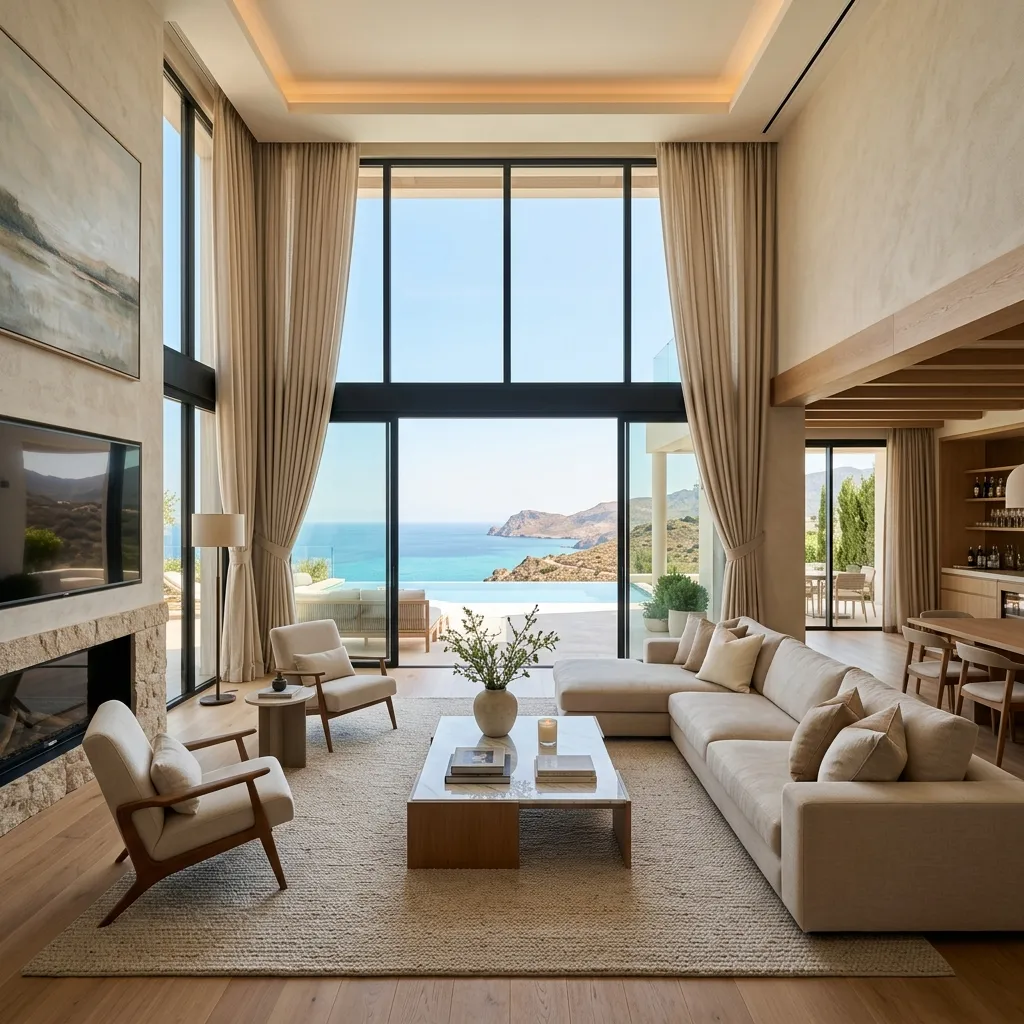 LIVING ROOM
Living Room with Large Windows
Floor-to-ceiling drapes with tie-backs in a high-ceilinged living room.
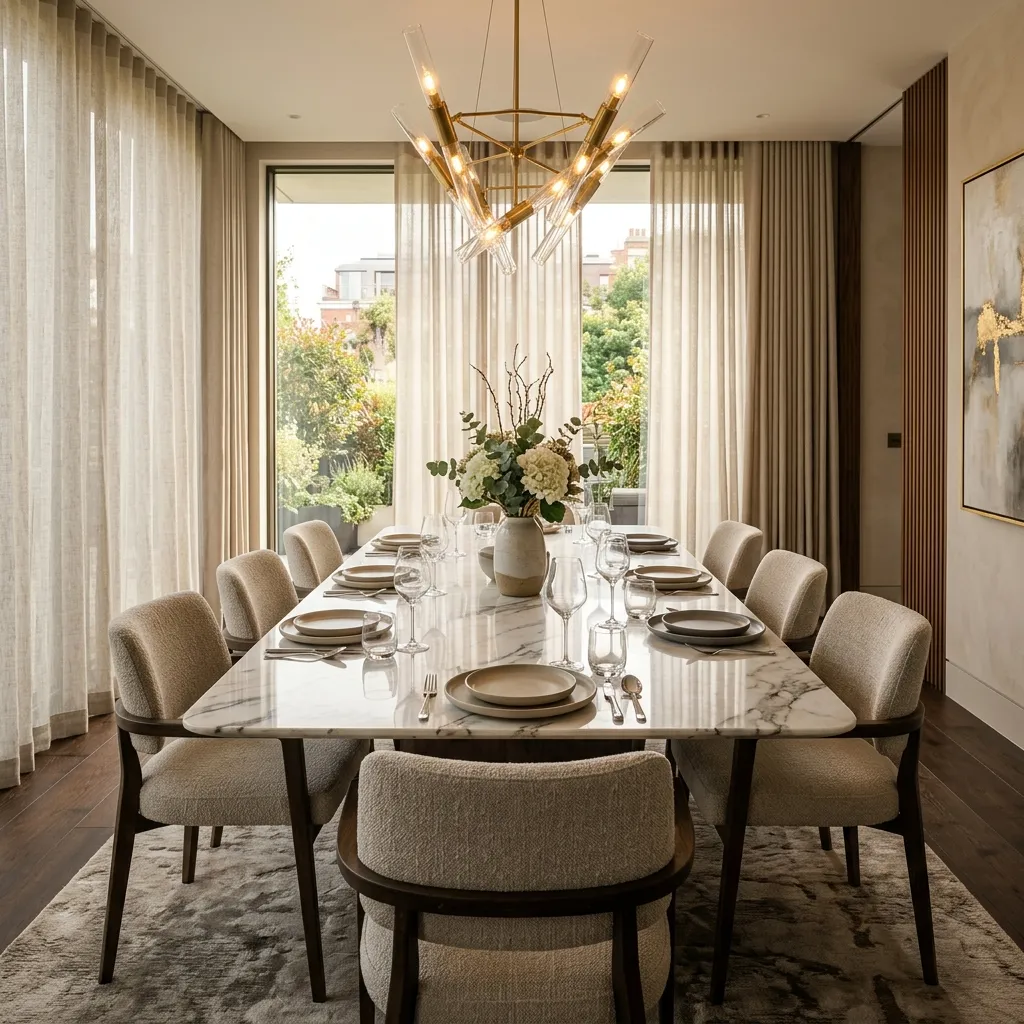 DINING ROOM
Dining Room
Sheers along the window; drapes at the sides.
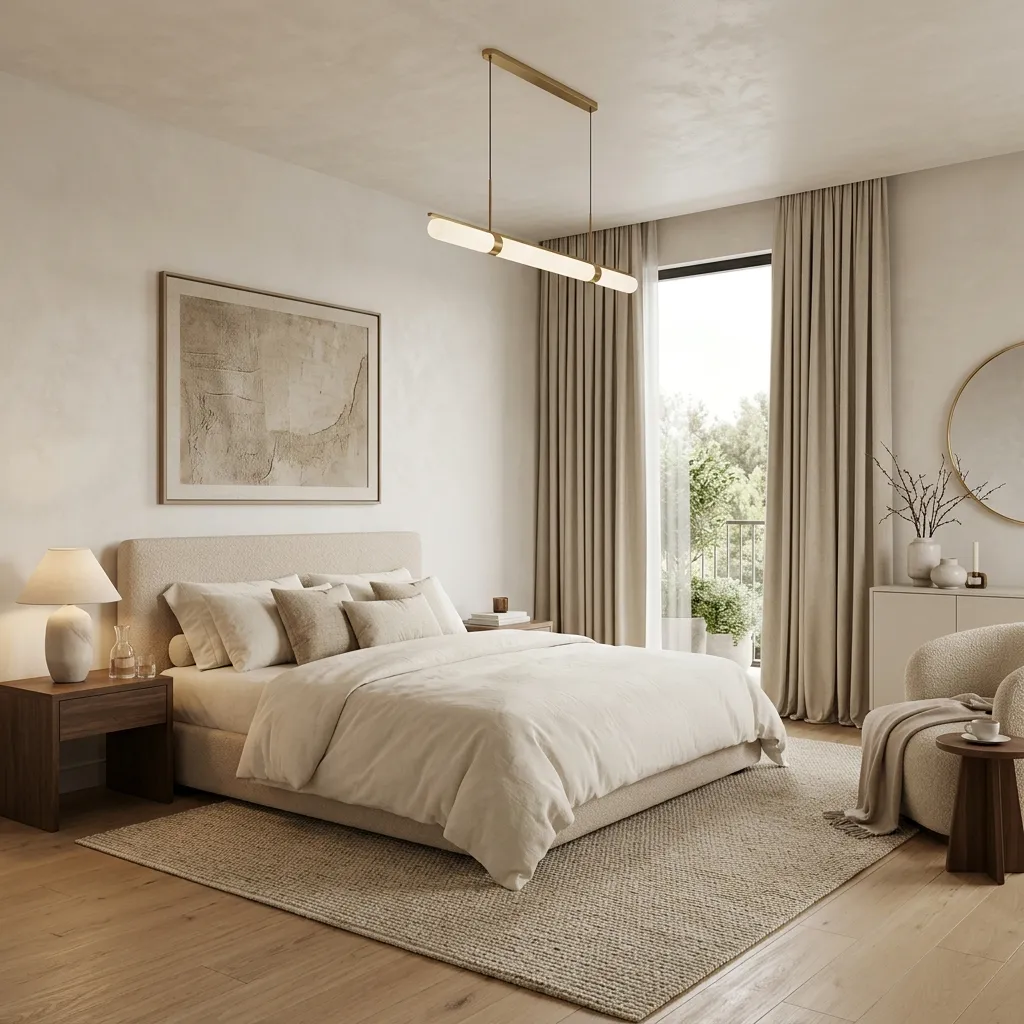 BEDROOM
Bedroom
Plain floor-length drapes in a simple bedroom.
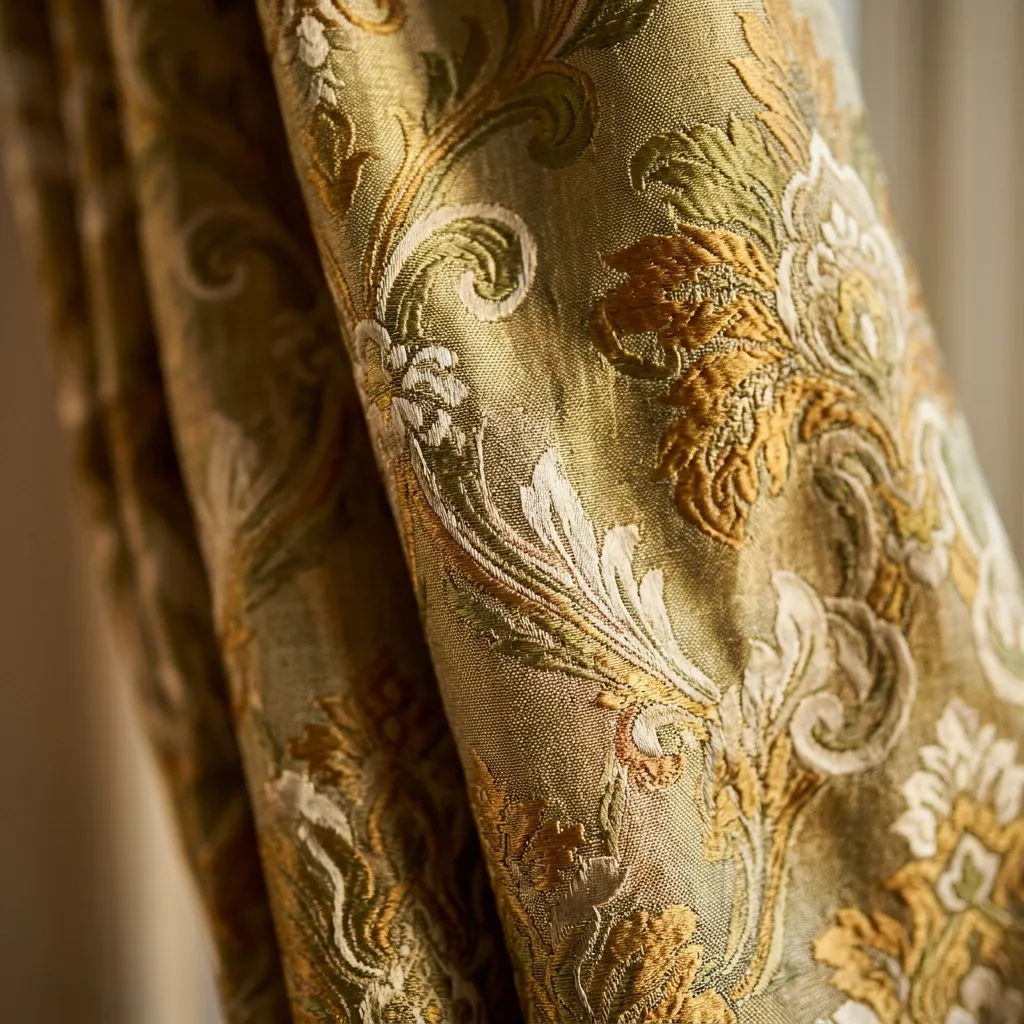 CLOSE-UP
Patterned Fabric
Close-up of a jacquard patterned drape fabric.
IN THE STUDIO
Still Useful After the Design
The image, the presentation and the record for your client on the same screen; Professional Design for businesses is coming soon.
Presentation PDF
The before/after image, the selected products, your company name, phone number and logo on one page. Shared via WhatsApp or e-mail on the phone, downloaded on the computer. No price is printed; you agree the price with your client.
Professional Design for Businesses
Catalogue shoots, a quote PDF with measurements, showing motorised curtains opening and closing, and bulk fabric upload are coming soon with Professional Design; they are not in the studio today.
Designs Are Not Lost
Every image you draw is saved automatically under “My designs” in your account; open it again on your phone or computer.
What do curtain specialists ask?
- Can I upload my own fabric / pattern?
- Yes. In the studio, use the own-fabric button to upload a photo of the swatch or fabric from your phone or computer; it is selected like the library products and fitted into the room.
- Which products can be designed?
- Drapes, sheers, roller blinds, screen blinds, zebra blinds and Venetian blinds — together with rustic poles and tracks (1–4 products in one design: drape · sheer · blind · track). Layer order from the window into the room: roller / Venetian blind → sheer → drape.
- How long does it take?
- A design is usually ready in 30–60 seconds; one click produces exactly one render.
- Do the room's walls, floor or window change?
- No. The room stays exactly as it is; the engine never adds furniture or decor on its own — an empty room stays empty. Only the curtain products you choose are added.
- What does it cost?
- Each design uses a design credit (token): 1 token = TRY 15 (VAT included). A standard 2K design uses one token (TRY 15), a 4K design two tokens (TRY 30). Motorised curtain previews and catalogue shoots are coming soon with Professional Design. 20% discount for 12 months paid in advance: TRY 12 per token. New members get 4 free 2K trial designs (+2 more once your profile is complete; up to 2 a day).